 GitHub
 A Windows your apps
recognize.
Install and run Windows applications on Linux with their own installers. No Windows virtual machine. Compatibility is still in development.



Install and run Windows applications on Linux with their own installers. No Windows virtual machine. Compatibility is still in development.
Download the installer of your favorite app or game and run it, just like on Windows. Use a separate prefix for each app. Raven attempts a snapshot for recognised installers; create and verify a manual checkpoint before changes you need to undo.
Install Raven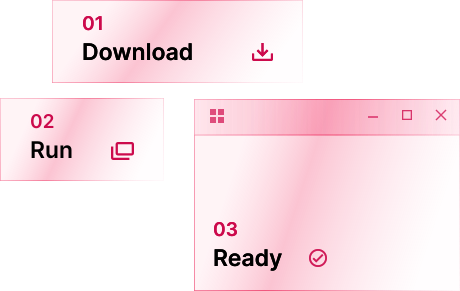
A virtual machine boots a guest operating system. Compatibility runtimes such as Wine instead implement the Windows interfaces an application needs.
Raven runs the .exe directly on the CPU in a supervised guest process. Some Windows functions execute inside that process, in Raven's guest components or libraries. Requests for supervisor-managed services cross into the runtime outside it, which manages processes, handles, files and registry state and mediates access to the Linux host.
Raven implements Windows Installer custom actions, side-by-side assemblies through WinSxS and a service manager. These are among the interfaces real installers depend on; application compatibility still needs testing.
The official redistributables can be installed with their classic installers, like you would on Windows (Visual C++ 2005 to 2022, DirectX, .NET Framework 3.5 and 4.8, XNA and OpenAL). Raven protects its own system libraries during installation. Snapshot creation can fail, so check that a checkpoint exists before relying on rollback. Tested applications can use the vendor's installer; other applications may still fail to install or start.
Graphics go straight to Wayland and Vulkan, with DXVK and vkd3d-proton for Direct3D.
Read the docsPreliminary results on the same machine, using software Vulkan. ClassiCube uses four alternating rounds with a fixed world seed.